How to show sponsor logo placement on a car or jersey

A sponsor asking about a logo spot is usually trying to picture three things. Where will it sit? How visible will it be in a real photo? How long will it stay there? Give each placement a name and answer those questions before asking for artwork.
Identify the exact surface
Use a label like “passenger-side door, June race weekend” or “upper back panel, summer club jersey.” Measure the usable print area on the real equipment. A seam, door handle, race number, or existing sponsor can break up a space that looks clear on a model.
Tell the buyer whether one side or both sides are included. On a jersey, check the view with a rider wearing it and their pockets filled. On a car, check the angle from which the photographer is likely to shoot during the event.
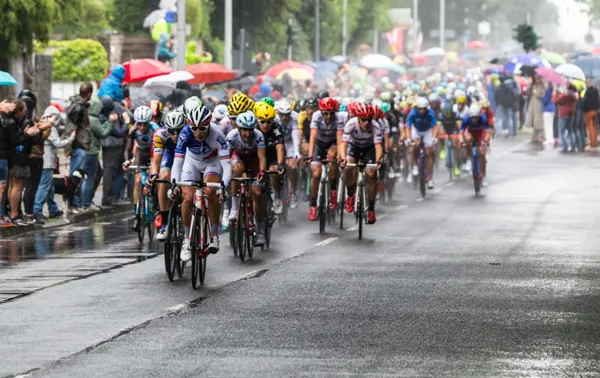
Pair a placement view with an action photo
Take one straight-on photo in even light. Then add an ordinary event photo so the buyer can judge viewing distance. If you use a matching 3D model in PitchKoi, mark the spot and let the sponsor preview its logo. Use the equipment measurements to settle the production size.
Write down what the price includes
Passenger door for the opening round. One decal on the right side and two edited race-day photos. We will confirm the print area on the car before ordering. The team handles installation and removes the decal after the round.
Approve artwork before it goes to print
Choose who supplies the file, who pays for printing, and who signs off on a proof. Ask the printer for its preferred format and color requirements. Get the partner’s approval on a proof that shows dimensions and orientation. Keeping that proof with the agreement saves the team from relying on a screenshot when someone orders replacement decals.